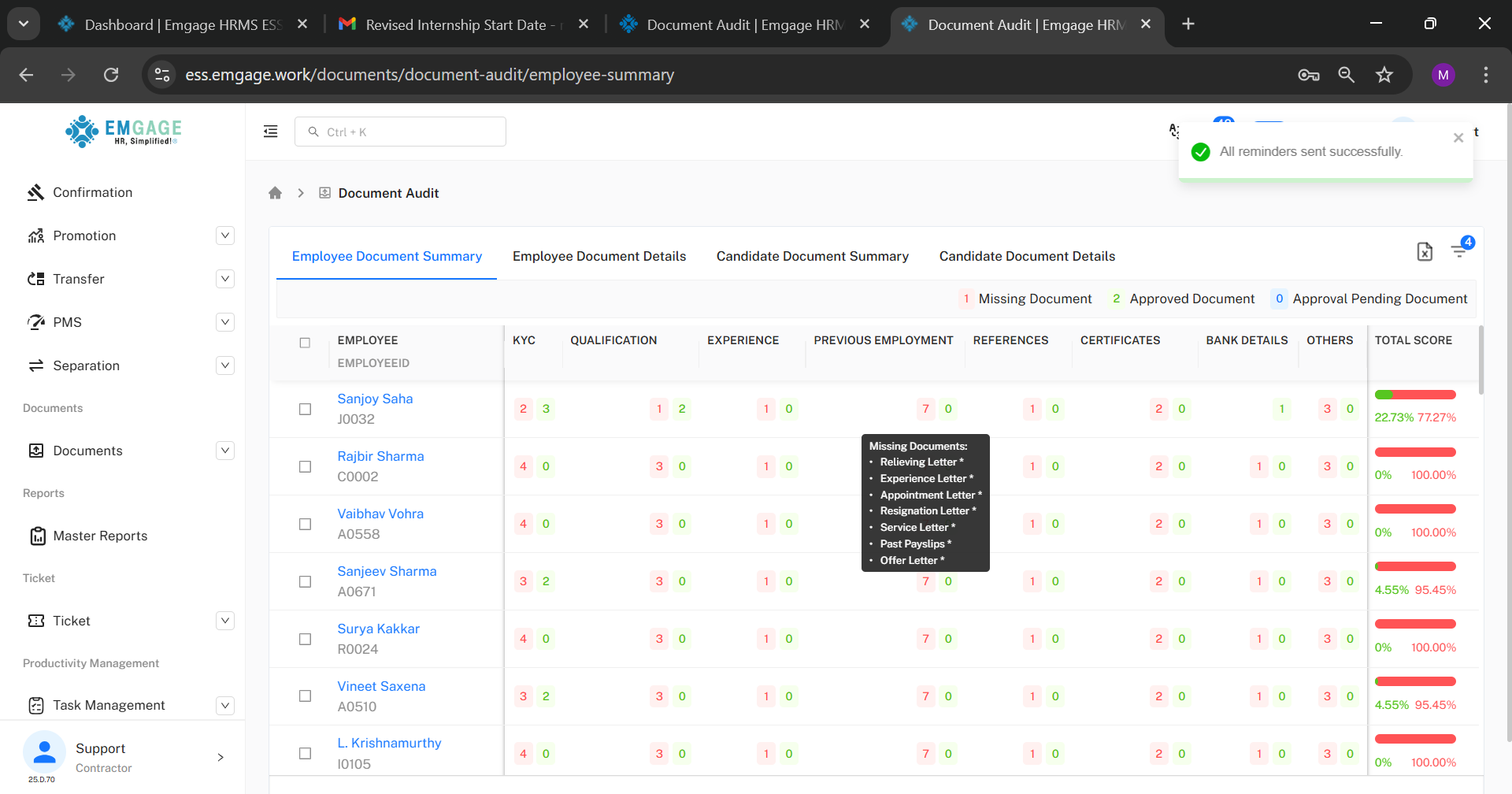
Document audit
Send Reminder
This filter is used to send reminder to the employee for submitting the pending documents that are required to complete their profile.
This sends a mail to the employee which has a link in it for adding the documents.
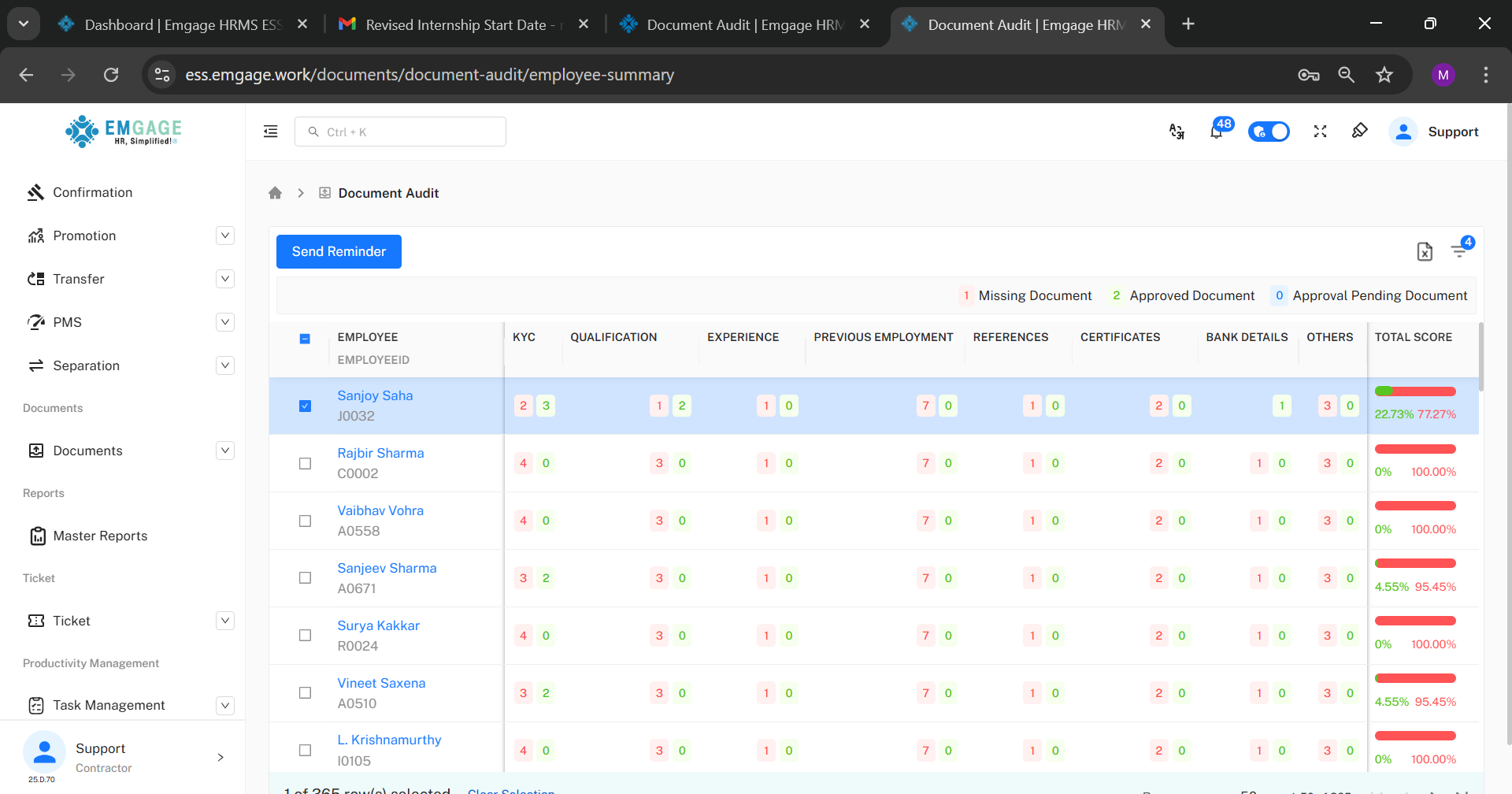
Sending Reminders:
Reminders can be sent in two ways:
- Individual Reminder:
Select a specific employee from the employee list.
Click on Send Reminder.
A reminder email is sent to that employee only.
- Bulk Reminder:
Select multiple employees with pending documents.
Click on Send Reminder.
Reminder emails are sent to all selected employees at once.